
Tech Neck Exercises: 5 Minute Reset
Your Neck Is Paying For Your Phone
If you finish the day with a stiff, sore neck and shoulders that won't quite let go, you're not alone — long hours looking down at screens does this to a lot of bodies. The good news is that a short, consistent daily routine genuinely helps. Five minutes a day, done at your desk, beats a long stretch session once a week.
Here are the exercises actually worth doing, organized so you can keep them at your workstation. The whole routine takes about five minutes.

Quick Answers Up Front
What's the fastest way to ease tech neck? A short daily routine done consistently, plus a few posture and ergonomic tweaks. Five minutes done daily outperforms a long session done occasionally.
Can you reverse a tech neck "hump"? The postural component — the part driven by habit and muscle imbalance — can genuinely improve with consistent work, sometimes substantially. A fixed structural curve from bone change is a different situation; we've covered that distinction separately in what is dowager's hump.
For the bigger picture of why long-screen time creates these problems, see our main text neck post — this post focuses on the daily exercises specifically.

The Five-Minute Routine
Do these in order, ideally daily. The whole sequence takes about five minutes. Move smoothly, breathe steadily, and stop if anything sharpens to pain or causes numbness or tingling.
Chin Tucks (Head Extensions)
Sit tall, ears stacked over your shoulders. Gently draw your head straight back — think "back, not up" — feeling a mild stretch along the front of your neck. Hold five to ten seconds. Repeat ten to fifteen times.
This directly counters the forward-head position that hours of looking at screens trains in.
Thoracic Extension
Clasp your hands behind your head and gently arch your upper back over the back of your chair, looking up. Keep the motion in your mid-back, not your low back. Hold ten to fifteen seconds, repeat three to five times.
This opens the rounded upper back and ribcage that desk posture compresses.
Wall Angels
Stand with your back to a wall, ribs gently drawn down, spine tall. Raise your arms overhead like a snow angel, keeping your elbows and wrists against the wall as much as your range allows. Do eight to twelve slow reps. Don't force range that isn't there — smooth and consistent beats forcing contact.
This re-trains shoulder and mid-back alignment.
Scapular Squeezes
Arms slightly out from your sides. Pinch your shoulder blades together and slightly down — think "down and back," not shrugging up. Hold six seconds, relax, repeat ten to fifteen times.
These wake up the postural muscles that should be holding your head over your spine but are often switched off after long sits.
Side Neck Stretch
Gently tilt your ear toward your shoulder, keeping shoulders level. Use a light hand assist if it helps — no forcing. Hold thirty to sixty seconds per side, breathing slowly. You should feel a mild stretch, not pain or tingling.
This eases the upper traps, which carry a lot of the tension from screen-heavy days.
Doorway Chest Stretch
Place your forearms on a doorframe at about shoulder height and step gently forward, feeling a stretch across your chest and front shoulders. Hold sixty seconds. Adjust your elbow height up or down to shift the stretch.
This opens the tight pecs that pull your shoulders and head forward — the structural pair of the postural problem.

The Micro-Break Habit
The exercises help, but the bigger lever is interrupting long static positions before they entrench.
Every 45 to 60 minutes of focused screen work, take a 45- to 60-second break: walk to the door, get water, or do three quick moves (head extensions × 5, scapular squeezes × 10, one thoracic extension). The goal isn't a workout — it's breaking the static load before it locks in. Small and frequent beats long and occasional, every time.

The Desk Setup That Matters
A few adjustments do more than any single exercise:
Screen height: the top third of your display should sit at or just below eye level — bring the screen up to your eyes, not your eyes down to the screen
Keyboard position: close to your body, with elbows around 90 degrees and shoulders relaxed
Chair: hips slightly above knees, back supported
Phone: lift it to eye level for reading and scrolling — the worst neck position in modern life is the head-down-at-lap phone scroll
Pair the daily exercises with this setup, and you reduce both the load you're offsetting and the recovery you need each evening.

When To Get Assessed
Self-care is for the everyday tightness and stiffness. Some patterns need a proper look rather than continued exercises:
Persistent pain that doesn't improve with consistent daily exercises and better setup
Pain that travels down an arm, with tingling or numbness
Sharp pain with specific movements that isn't easing
Recurrent flare-ups despite good daily habits
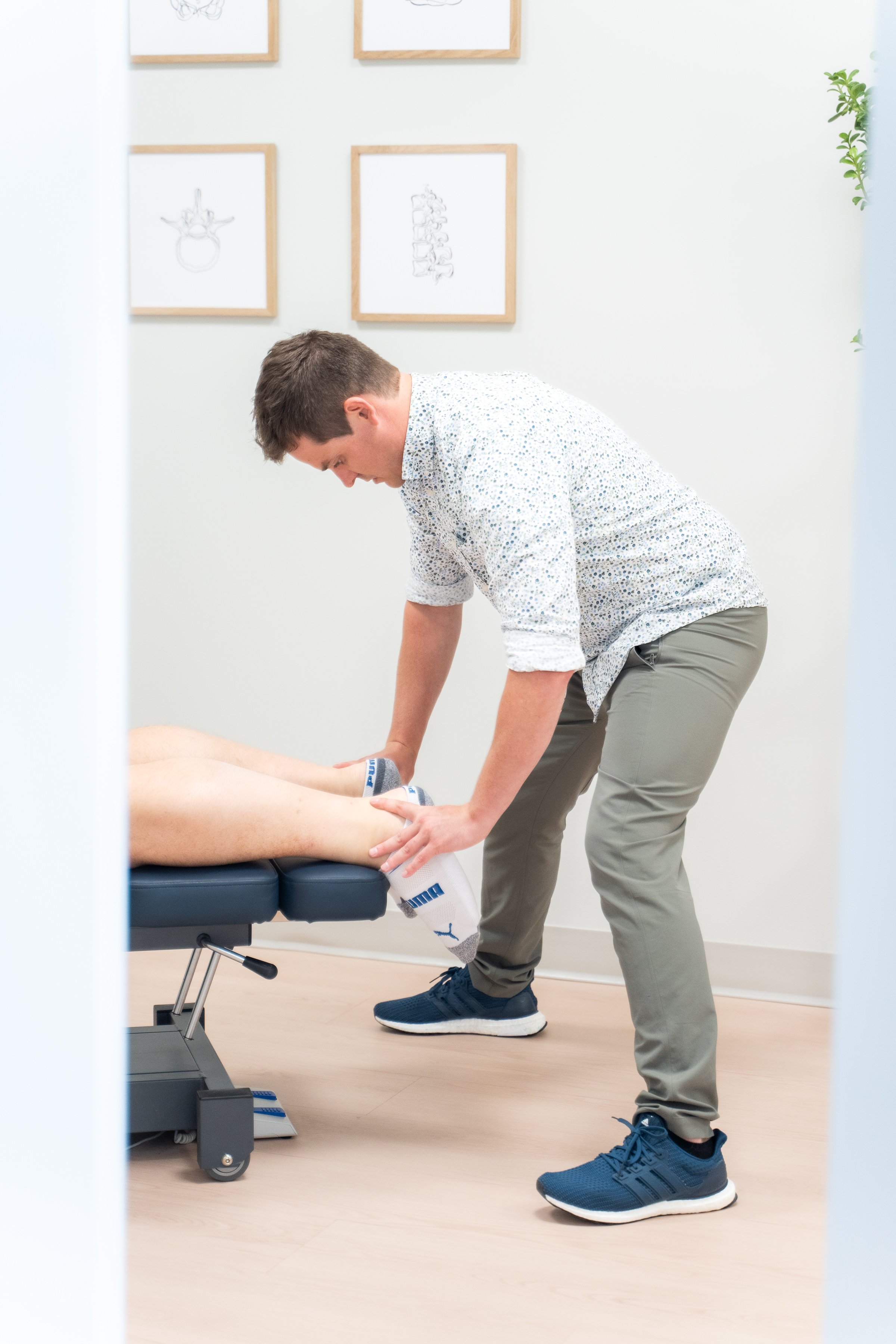
If any of these fit, the right step is an assessment — these patterns usually mean there's something mechanical going on that exercises alone won't resolve. You don't need a referral to start.
The Bottom Line
Five minutes of focused exercises plus a sensible desk setup and regular micro-breaks genuinely offsets what screen time does to your neck and shoulders. Consistency beats intensity. If pain persists despite good daily habits, that's the point to get it looked at rather than stretching around it indefinitely.
Axiom Chiropractic is in Hillhurst at 113 19 St NW, free parking on all sides. Book an assessment if a desk-driven ache has stopped responding to the basics.